
Trailer dwell time is the single most controllable cost at a loading dock. It rarely shows up as a line item, but it quietly consumes labor hours, door capacity, and carrier goodwill. This guide breaks down where dwell actually comes from and the specific moves that reduce it.
The short version: most docks do not have a throughput problem, they have a visibility problem. Once you can see, per door and per minute, exactly where a trailer sits idle, the fixes are usually operational rather than capital.
What counts as dwell
Dwell is the elapsed time between a trailer being positioned at a door and that trailer pulling away. It is not the same as unload time. A 40 minute unload can easily sit inside a 4 hour dwell window, and the difference between those two numbers is where your money goes.
It helps to split dwell into four measurable buckets:
- Pre-work idle — trailer is docked but no one has started. Usually a labor allocation or paperwork issue.
- Active work — product is physically moving. The only bucket that adds value.
- Post-work idle — work is finished but the trailer is still occupying the door. Almost always a communication failure.
- Departure lag — the driver has been released but has not left, often because of gate or paperwork queues.
Teams that only track total dwell can tell you they have a problem. Teams that track these four buckets can tell you which one to fix this week.
Benchmarks worth measuring against
| Operation type | Healthy dwell | Warning zone | Detention risk |
|---|---|---|---|
| Live unload, floor loaded | 90–150 min | 150–210 min | 210 min + |
| Live unload, palletized | 45–75 min | 75–120 min | 120 min + |
| Drop and hook | 10–20 min | 20–45 min | 45 min + |
| Outbound live load | 60–90 min | 90–150 min | 150 min + |
Treat these as starting points, not gospel. The valuable benchmark is your own trailing 30 day median per door, compared against your own 90th percentile. The gap between those two numbers is your realistic improvement target.
Seven moves that actually reduce dwell
1. Kill post-work idle first
This is the cheapest win in the building. In most operations, 20 to 45 minutes of every dwell cycle happens after the last pallet is off the trailer. Nobody is doing anything wrong, the information simply has not travelled. An automatic "door free" signal the moment the trailer is empty and the lift traffic stops removes that gap without adding a single headcount.
2. Make appointment windows reflect reality
If your scheduling tool assumes every trailer takes 60 minutes and your actual median for floor loaded freight is 140 minutes, your schedule is fiction. Feed real per-carrier, per-freight-type durations back into your appointment system and the yard stops backing up by 10am.
3. Stage labor before the trailer arrives, not after
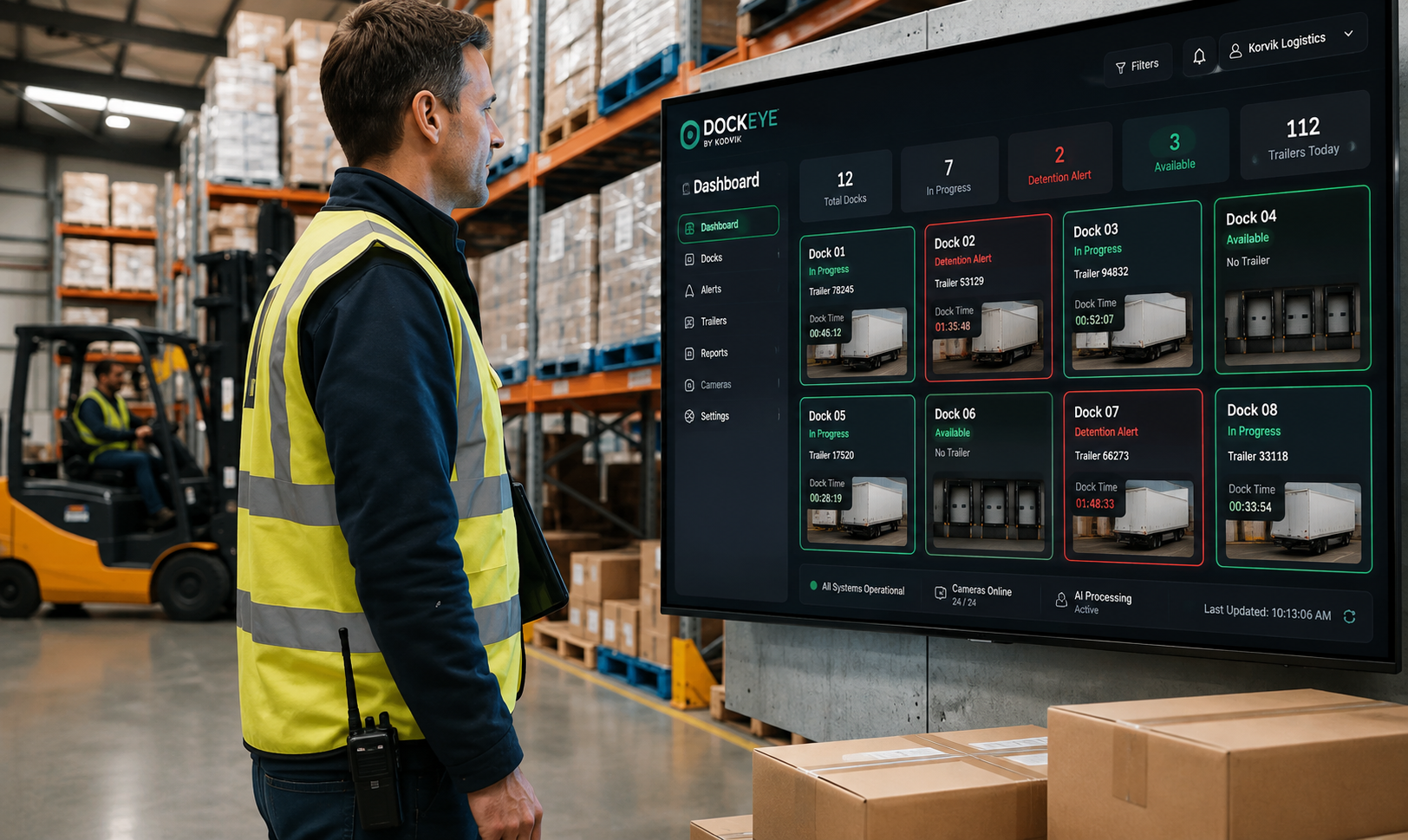
Pre-work idle is a staffing signal. If a trailer regularly waits 30 minutes for a team, your labor plan is not aligned to your appointment plan. Publishing the next two hours of expected arrivals on a floor display is a low-tech fix with an outsized effect.
4. Separate your problem doors from your problem carriers
Aggregated dwell averages hide everything. When you slice by door, you often find two or three bays that run 40 percent slower because of ramp angle, restraint failures, or proximity to staging. When you slice by carrier, you often find one or two partners driving most of your detention exposure.
5. Instrument the yard, not just the dock
A trailer waiting in the yard for a free door is still consuming your service level even though it is not consuming a door. If your dwell metric starts at the door, you will optimise the dock while your gate-to-door time silently doubles.
6. Give the floor a live view, not a morning report
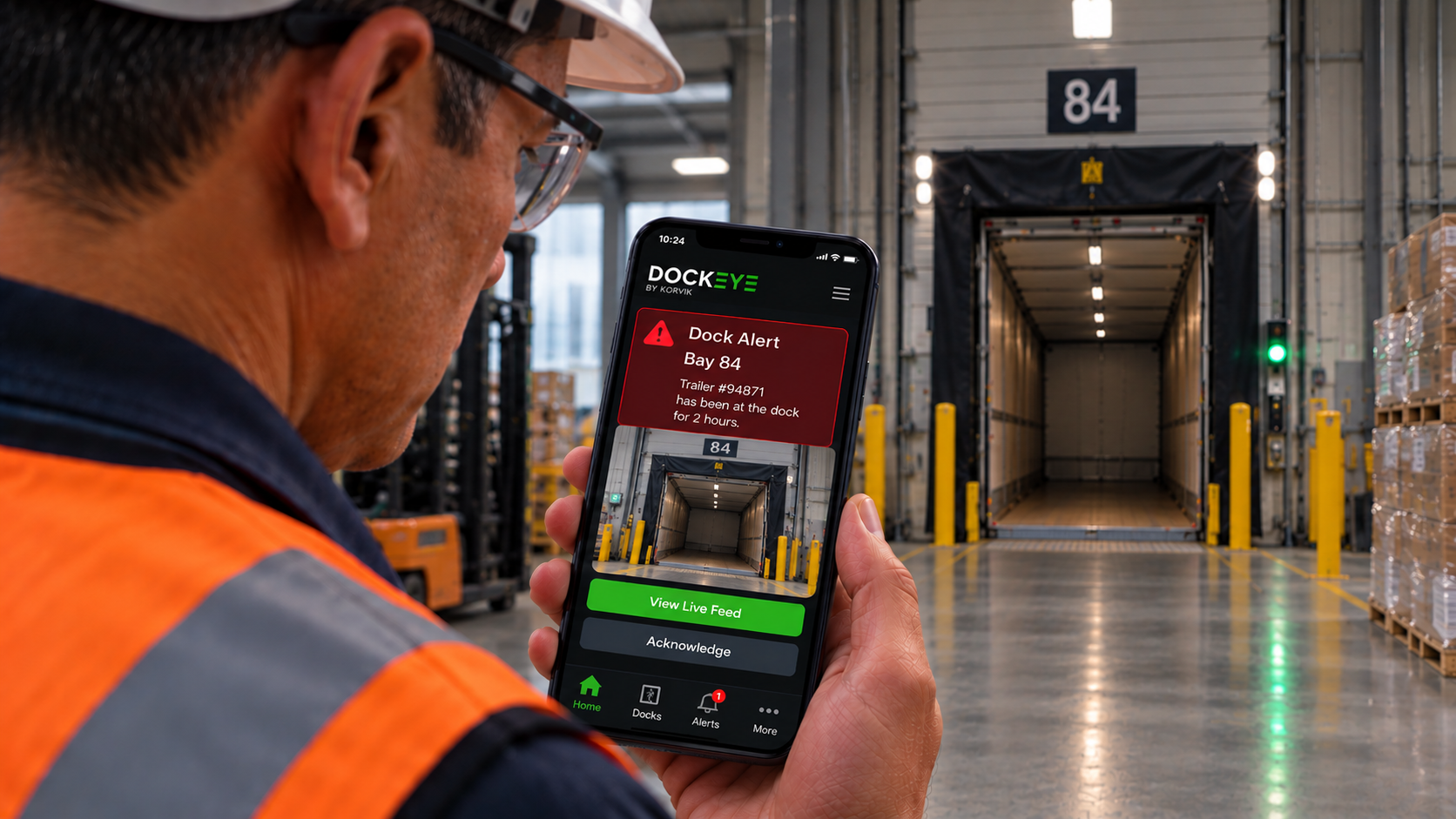
A report that arrives at 8am tomorrow cannot save a trailer that is timing out at 3pm today. Dwell is an operational metric that needs to be visible while the shift is still running, ideally with a threshold alert before detention begins rather than after.
7. Share the data with your carriers
Detention disputes are almost always disagreements about timestamps. When both parties see the same objective arrival, dock-in, work-complete and departure events, disputes turn into conversations about process. Several operators find that simply sharing the data changes carrier behaviour before any process change is made.
What to instrument
- Trailer present at door, with a precise start timestamp.
- Truck attached or detached, so drop-and-hook and live loads are separated automatically.
- Work-in-progress signal, so idle time can be split from active time.
- Door free event, fired the moment the bay becomes usable.
- Threshold alerts tied to each carrier's contractual free time.
A realistic 30 day plan
- Week 1 — capture baseline dwell per door. Do not change anything yet. You need an honest before picture.
- Week 2 — split the baseline into the four buckets and identify the largest one. Most sites find post-work idle.
- Week 3 — implement one targeted fix for that bucket, and only that bucket. Single-variable changes are the only ones you can attribute later.
- Week 4 — compare medians and 90th percentiles, then publish the result to the floor. Visible wins fund the next change.
Key takeaways
- Dwell is four separate problems wearing one number. Split it before you try to fix it.
- Post-work idle is usually the largest and cheapest bucket to eliminate.
- Median plus 90th percentile beats averages, which hide your worst days.
- Objective, shared timestamps end most detention disputes before they start.
Where Dockeye fits
Dockeye reads the security cameras already installed at your doors and turns them into per-door dwell timers, trailer and truck state, and detention alerts. There is no new hardware at the dock, no driver app, and no manual check-in step for your team to forget.