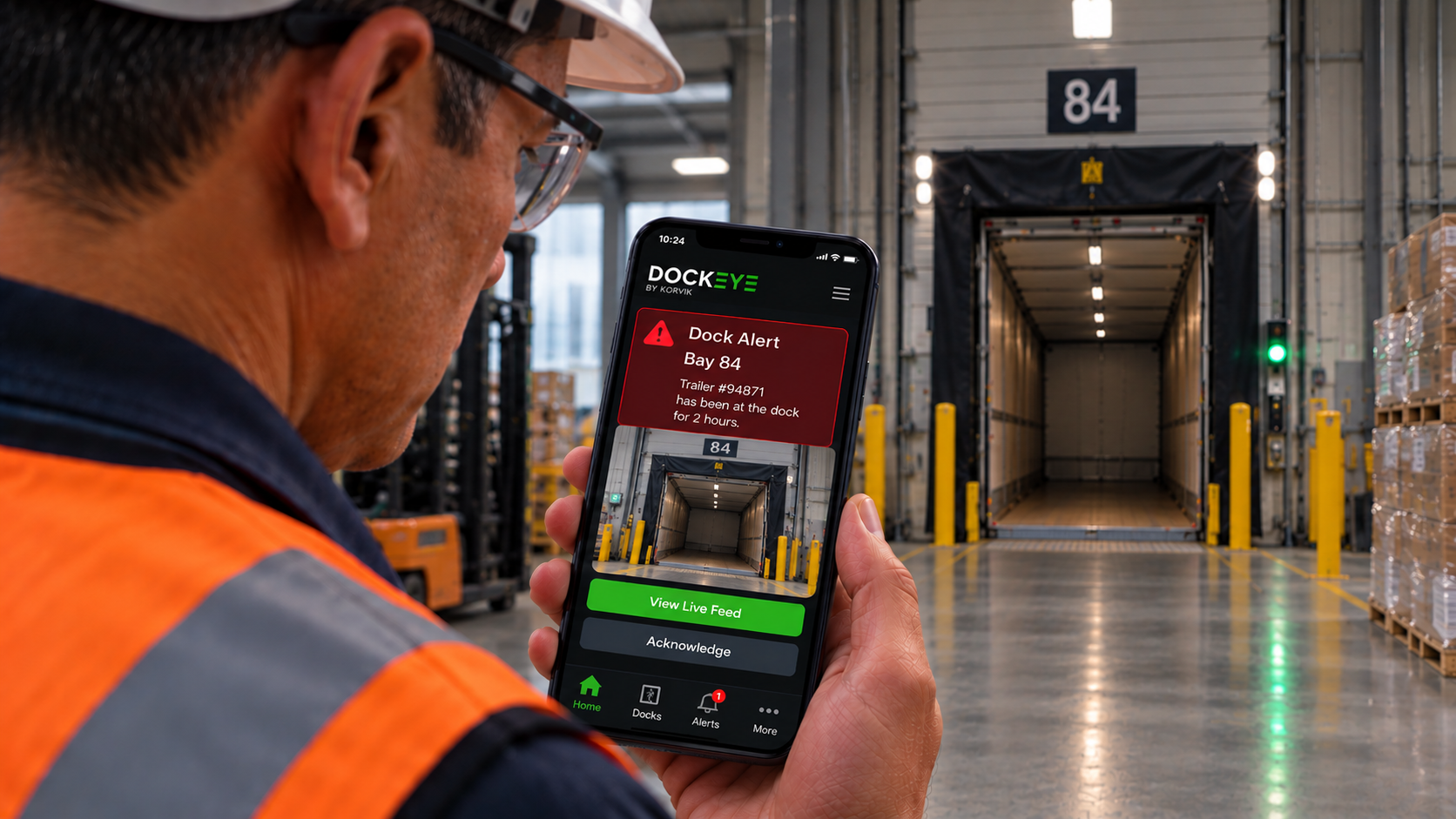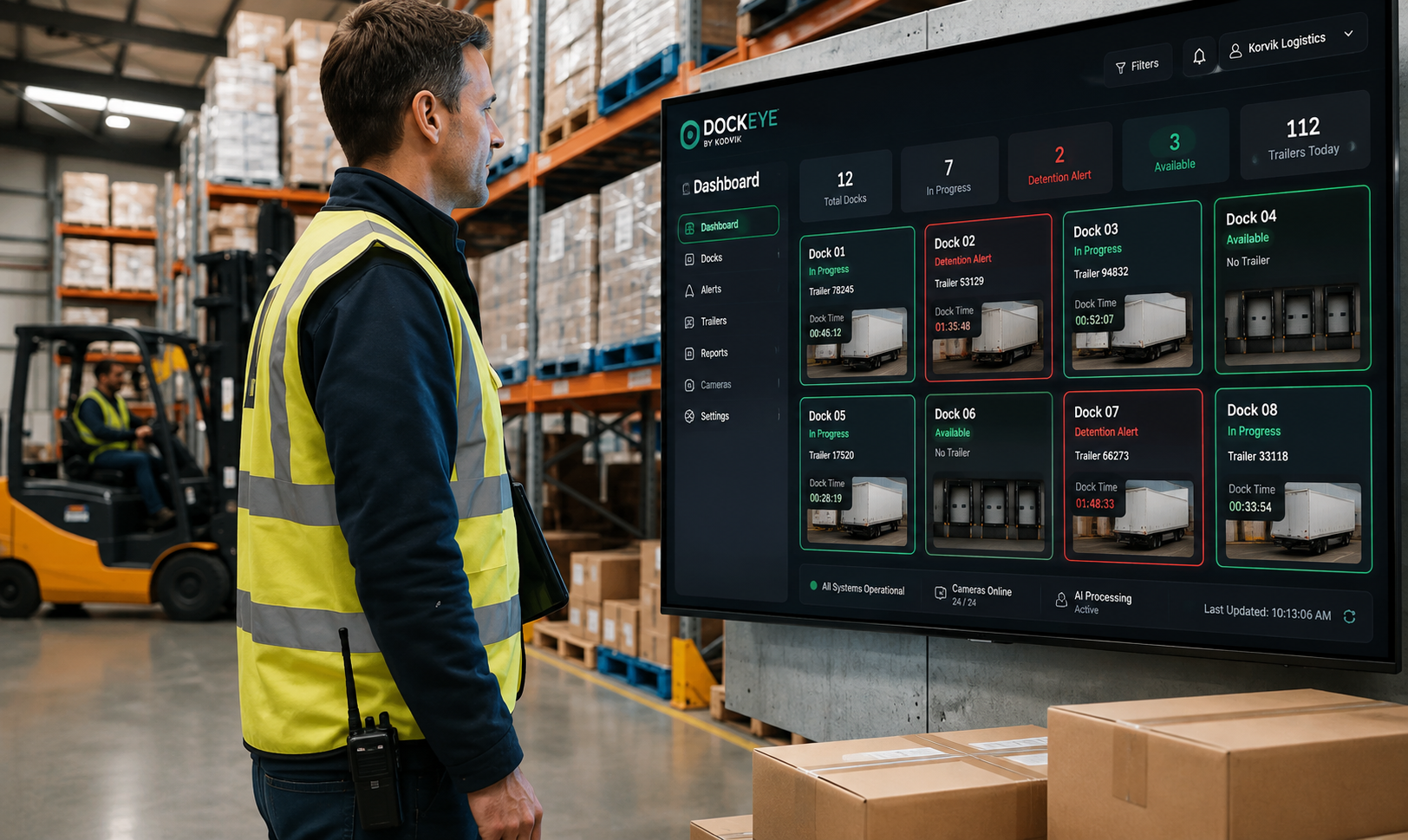

Dock dwell time is the total time a trailer spends occupying one of your dock doors. It sounds simple until you try to measure it consistently across every shift, every door and every carrier. This is a plain English guide to what dwell is, how it is measured, and how to start tracking it without a six month project.
The definition
Dwell starts when a trailer is positioned at a door and ends when it pulls away. It includes unloading or loading, staging, paperwork, breaks, waiting for labor, and every minute of idle time in between. If the door is occupied, the clock is running.
Dwell is not unload time
Unload time measures the work. Dwell measures the occupancy. The difference between the two is pure lost capacity, and in most operations it is the majority of the number.
Dwell is not detention
Detention is the contractual consequence of dwell exceeding a carrier's free time, usually two hours. Dwell is the operational reality that produces it. You can have terrible dwell with zero detention charges if your carriers are not enforcing, and that is still a capacity problem you are paying for.
| Metric | Measures | Owned by |
|---|---|---|
| Dwell time | Door occupancy, end to end | Operations |
| Unload time | Active labor on the trailer | Floor supervision |
| Detention | Time beyond contractual free time | Transportation and finance |
| Turn time | Gate in to gate out | Yard and site management |
Why it is hard to measure
Most teams rely on gate logs, driver check-ins, or a WMS event that fires when the load is closed. Each of these is a proxy, and each one drifts from reality in a predictable direction.
- Gate logs capture site entry, not door occupancy. They miss yard queueing entirely.
- Driver check-in sheets depend on a person with no incentive to record an accurate departure time.
- WMS close events fire when the paperwork is done, which can be an hour before the trailer physically leaves.
- Manual clipboards are accurate on quiet days and abandoned on busy ones, which is exactly when you need the data.
The gap between logs and reality
A trailer can be closed in the WMS at 2:10pm and still be sitting at door 14 at 3:05pm. That 55 minutes is invisible to your KPIs but very visible to the next carrier waiting for that bay, and it is the reason your reported dwell looks fine while your yard does not.
What good measurement looks like
- Continuous door-level visibility rather than sampled snapshots or shift-end summaries.
- Objective timestamps that both you and your carriers are willing to accept in a dispute.
- Automatic capture, so accuracy does not degrade on your busiest days.
- Segmented by door, carrier, freight type and shift, because the average tells you nothing actionable.
- Live alerting against your thresholds, not a report the next morning.
The metrics to report
- Median dwell per door — your typical performance, unaffected by outliers.
- 90th percentile dwell — your bad days, which is what carriers actually remember.
- Percent of trailers over free time — direct detention exposure.
- Idle share — the proportion of dwell with no work happening. The clearest improvement target you have.
Key takeaways
- Dwell measures door occupancy, not work, and the gap between them is recoverable capacity.
- Every common measurement method drifts optimistically, which is why reported dwell looks better than reality.
- Report medians and 90th percentiles per door, never a site-wide average.
Getting started
You do not need a rip and replace project. Dockeye reuses the security cameras already installed at your docks to produce accurate, per-door dwell data on day one, with no clipboards, no driver app, and no dependency on someone remembering to log a departure.